02 / Party quiz · Windows / WebGL
KotikBox.
KotikBox is my solo pet project: a quiz with a shared display and phones as controllers. Players can join remotely or gather in one room; their devices connect to the match through a network relay.
About the project
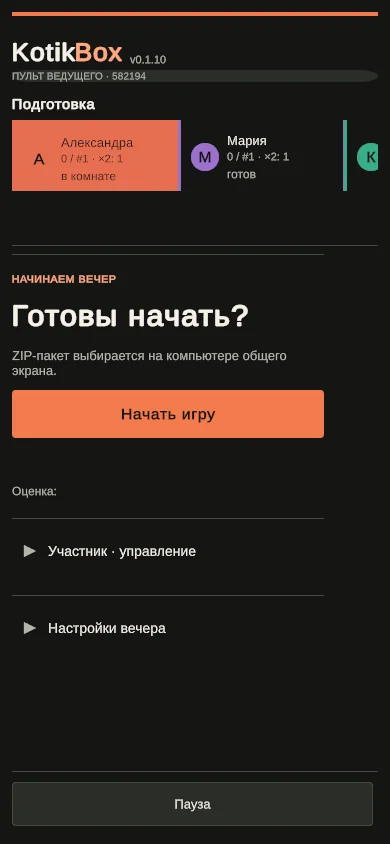
KotikBox turns an evening with friends into a quiz show. Questions and scores appear on a large shared display, while each participant answers on their phone. A host can control the game from a separate phone, but the match can start and answers can be reviewed without one.
What I built
Remote and in-person play
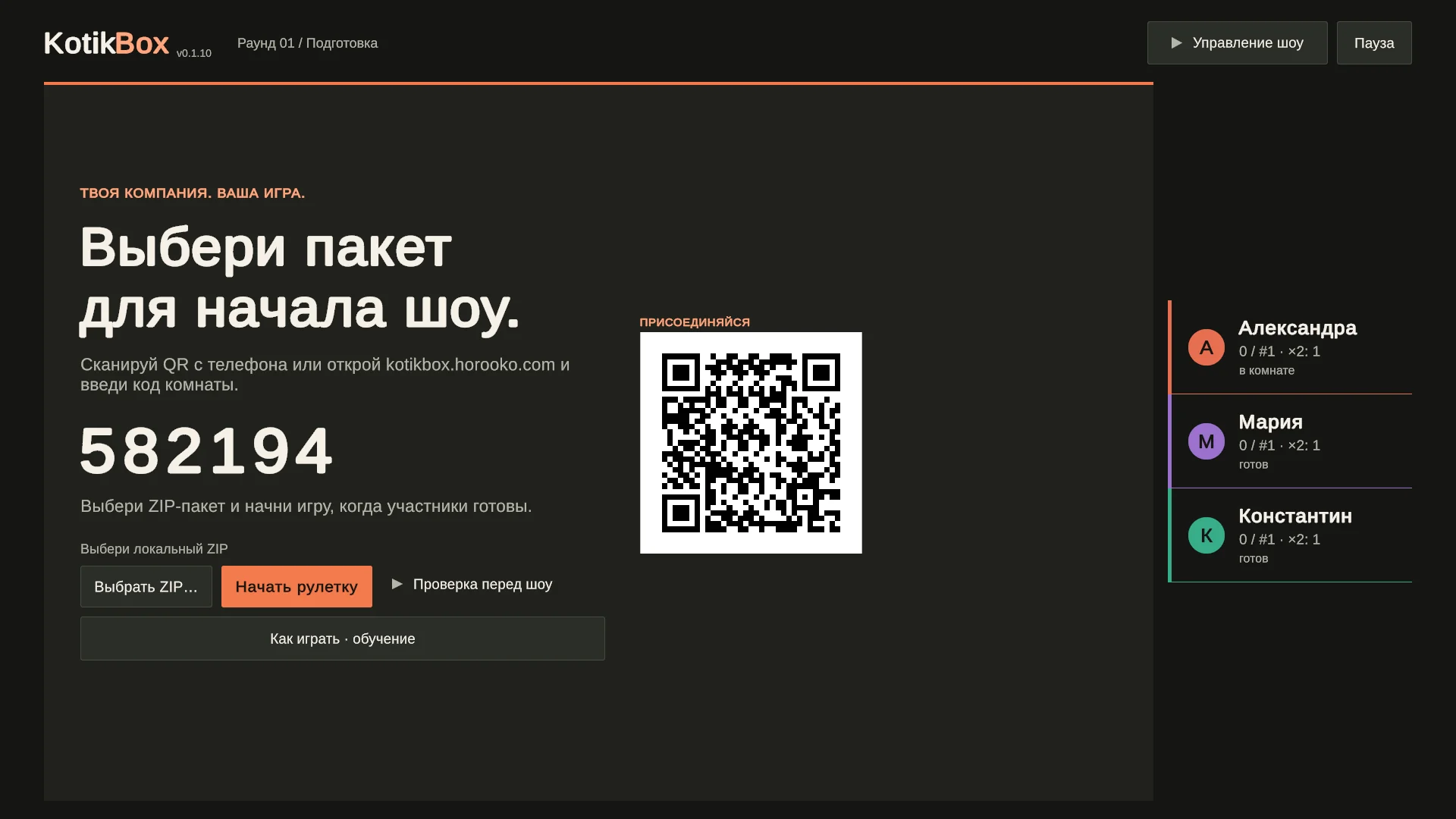
I built a networked match: a Windows app runs the game and drives the shared display, while browser controllers for players and the host join using a room code or QR. Players can join remotely or gather in one room and answer from their own phones. Both setups connect the devices through a relay.
Rules and show flow
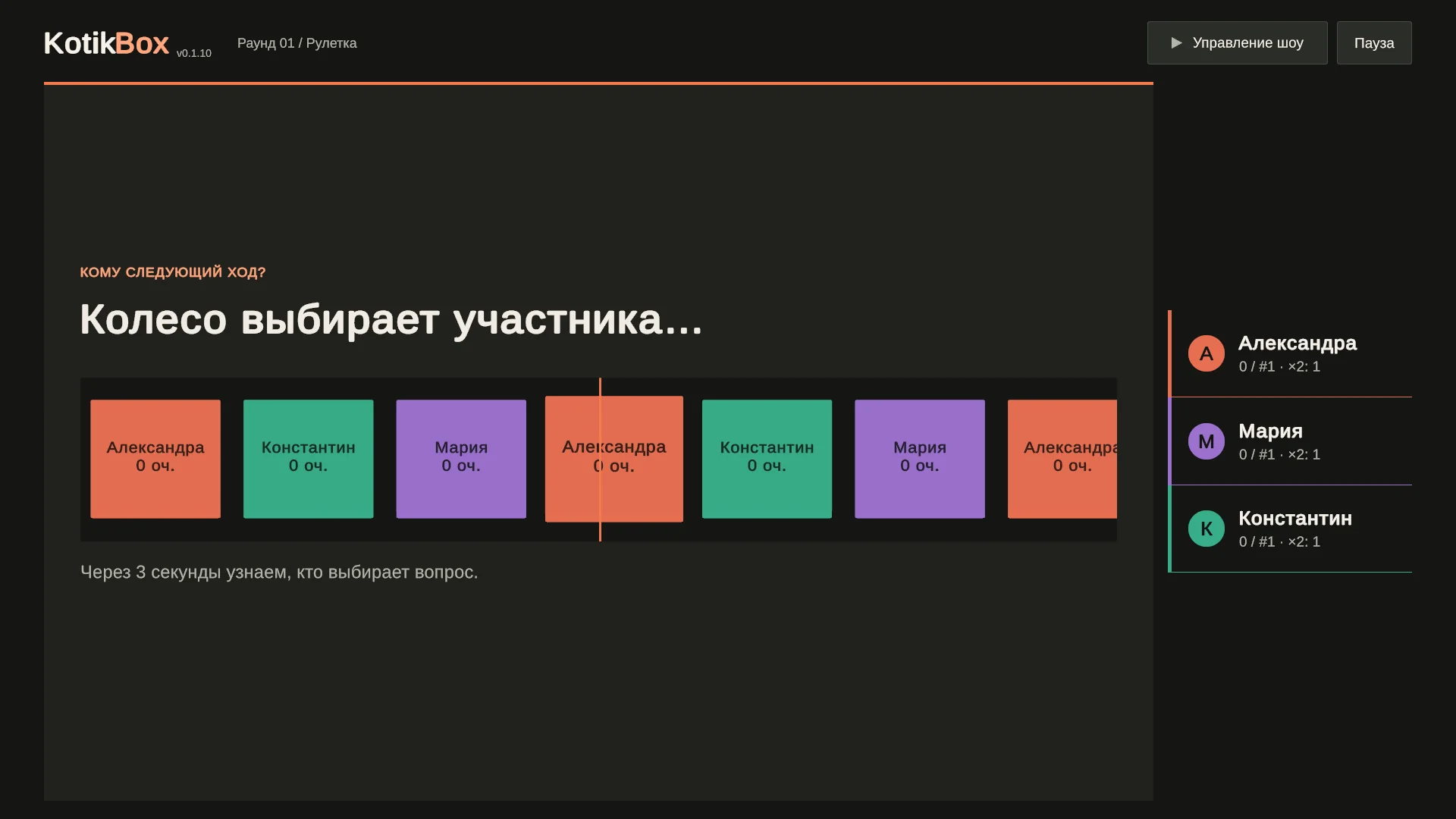
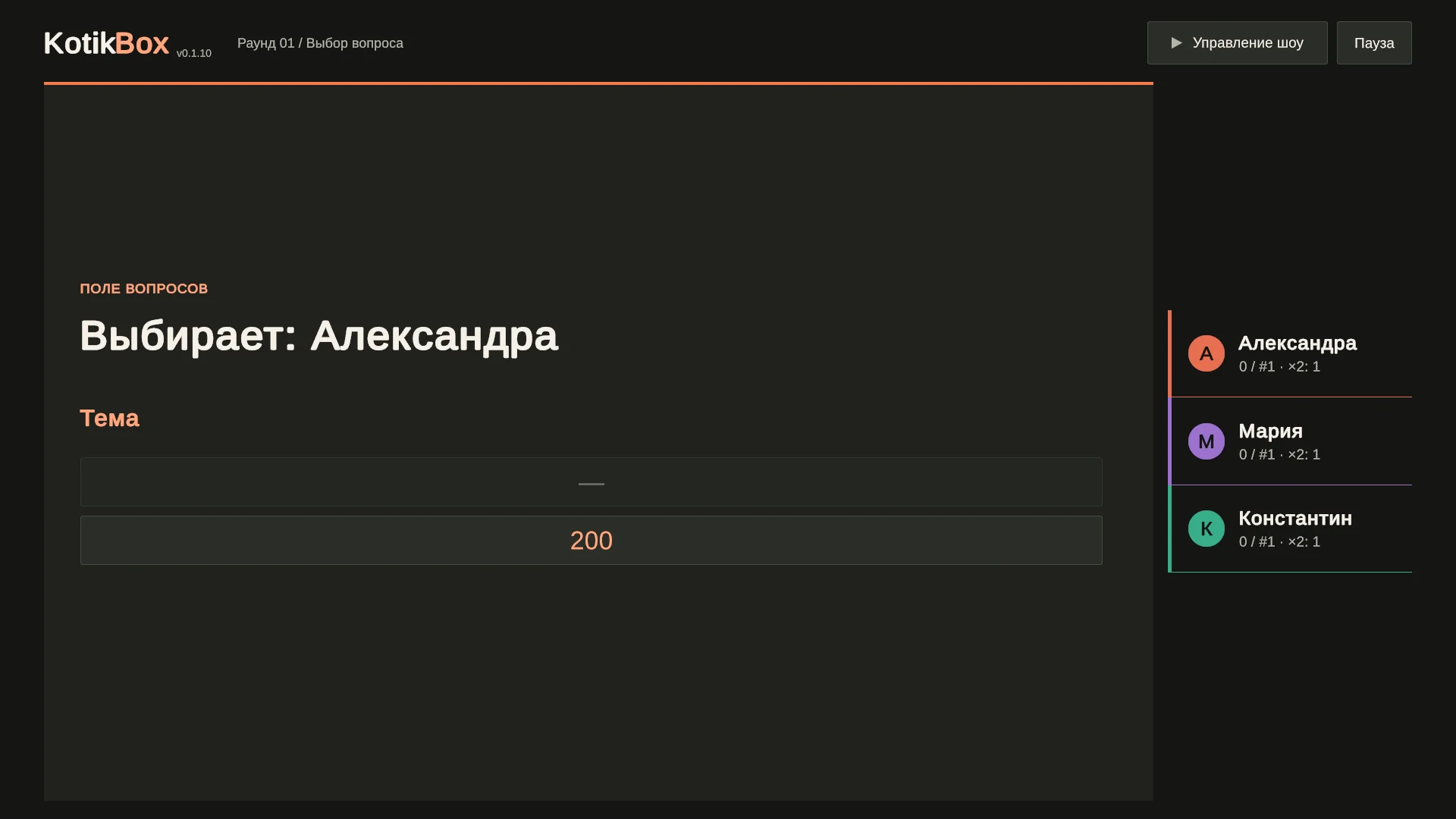
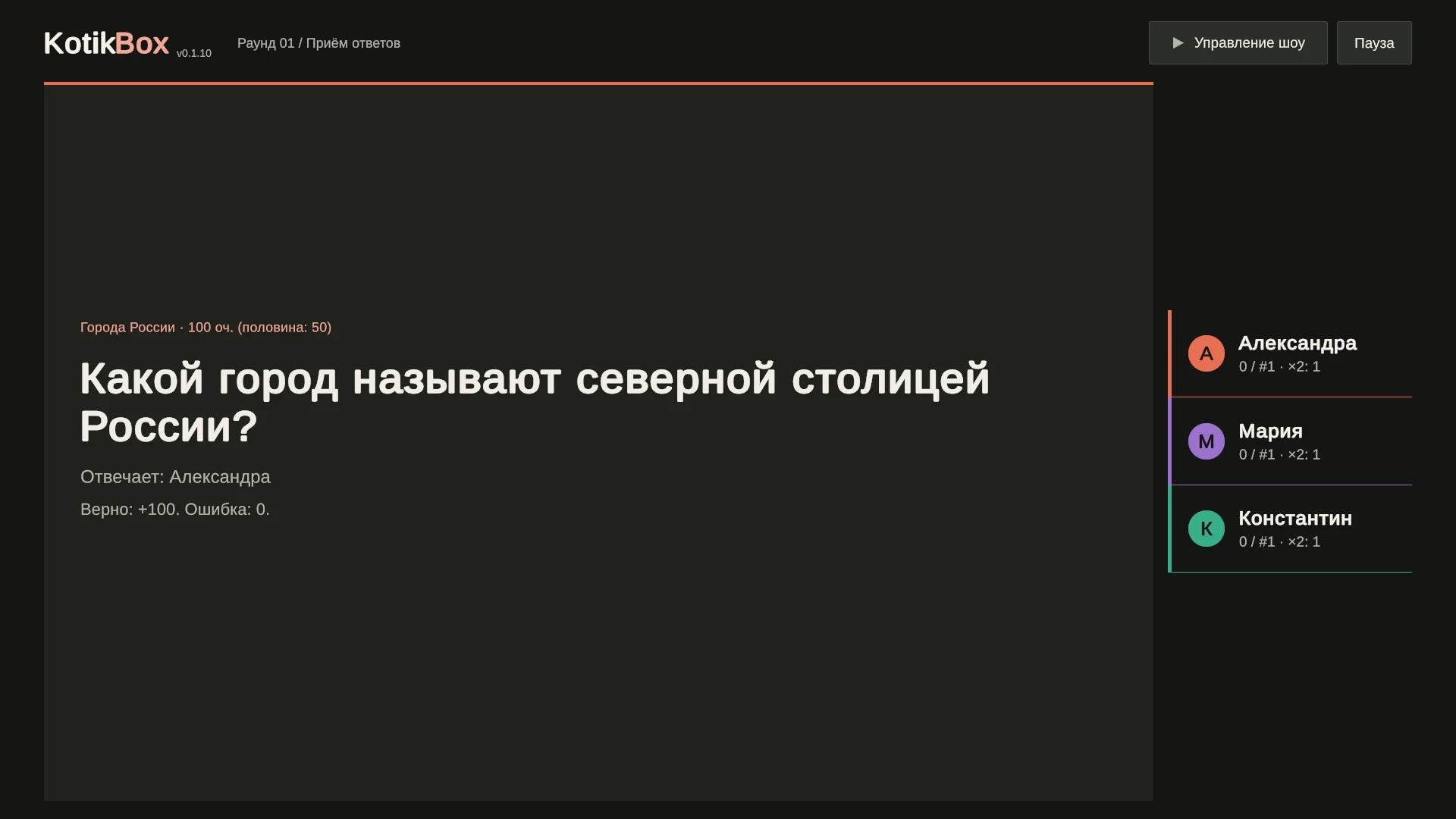
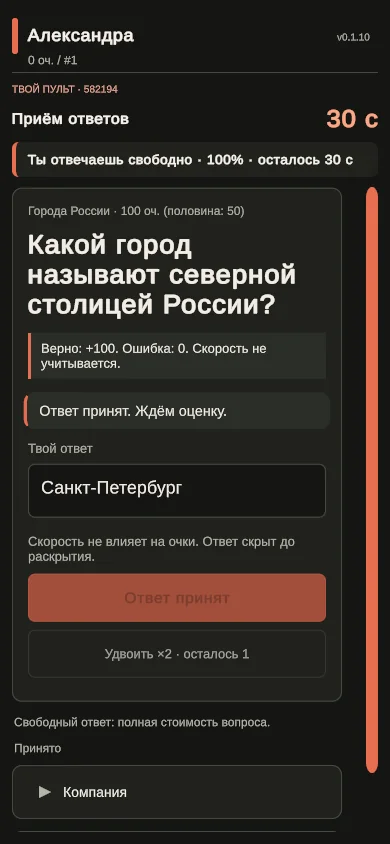
I designed the loop from roulette and topic selection through answers, review and results. The selected player can write a free answer for full value; others choose an option for half value. The game includes double-point tokens, timers, automatic and manual answer review, rankings and a three-question finale.
Reliability and question content
I separated the game core, controllers and server relay. Confirmed state and audit records are stored in PostgreSQL, and devices can reclaim their place after a connection loss. Questions come from a local ZIP containing text, images, audio and video. The full pack stays on the shared-display computer; phones receive only the game data they need.
Result
The project provides a complete foundation for an in-person quiz with multiple device roles, a full match loop and a custom question-pack format. It demonstrates end-to-end work across game rules, client interfaces, networking and match reliability.
Screenshots.
The game loop on screen: shared display, question selection and player controller.
Need a Unity developer for similar work?
Tell me about your project — let’s discuss working together.